
 View full illustration ↗
Find an achievable target
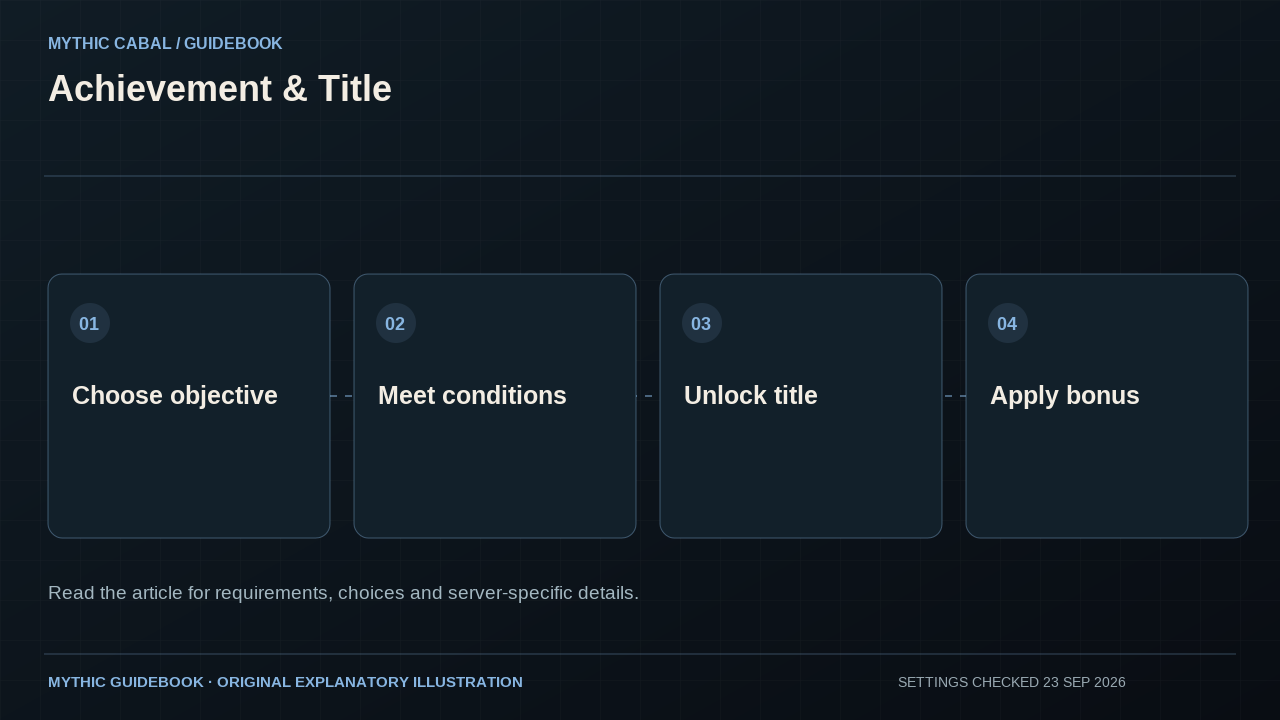
Open Achievement & Title from the CABAL menu. Check the objective, any preceding achievement and the reward before starting. Some achievements count a single character; others refer to broader progress.
- Pick a task from an activity you already play, such as a dungeon or character progression.
- Pin or note the exact objective. A similarly named dungeon variant may not count.
- Complete the requirement, reopen the achievement and confirm that progress increased.
Choose a title for its purpose
A displayed title and an applied title bonus are different choices. Open the title list, read its stats and apply the option you need. A temporary or restricted title can stop applying when its condition ends.
- Use a damage-oriented title for a run you already survive comfortably.
- Compare defensive bonuses if deaths cost more time than a small damage increase saves.
- Review the title again after changing activity, equipment or character.
When a task does not count
Check the required target, character scope, prerequisite and dungeon variant. The server defines conditions and rewards separately, so a familiar title name alone is not enough to identify the required activity.
Displayed title and combat bonuses
The title displayed above your character is a visual selection. Ordinary completed title bonuses and the special equipped title slots are tracked separately. The title panel shows the combined stats that are currently applied.
Guild, Bringer/Guardian and event titles use their own slots and conditions. Selecting an ordinary display title does not substitute for equipping one of these special titles. When a temporary title expires or a war award changes, revisit the corresponding slot.
Reading an achievement in practice
- Open the activity category and select one objective. Check whether it tracks completion count, a boss, a time requirement or a character milestone.
- Check the prerequisite and exact dungeon variant. Clear counters for normal, awakened and another floor are not interchangeable.
- After completing the activity, compare the counter with its previous value and claim the completed reward if a claim is offered.
- Use the title panel’s total effects to compare your result; the displayed name alone does not show all earned bonuses.