
 View full illustration ↗
What changes in Battle Mode
Battle Modes change combat behavior and available attacks. The class-specific mode, skill level, duration and SP requirement are shown in the skill panel. A Battle Mode icon on the bar is not proof that every prerequisite is complete.
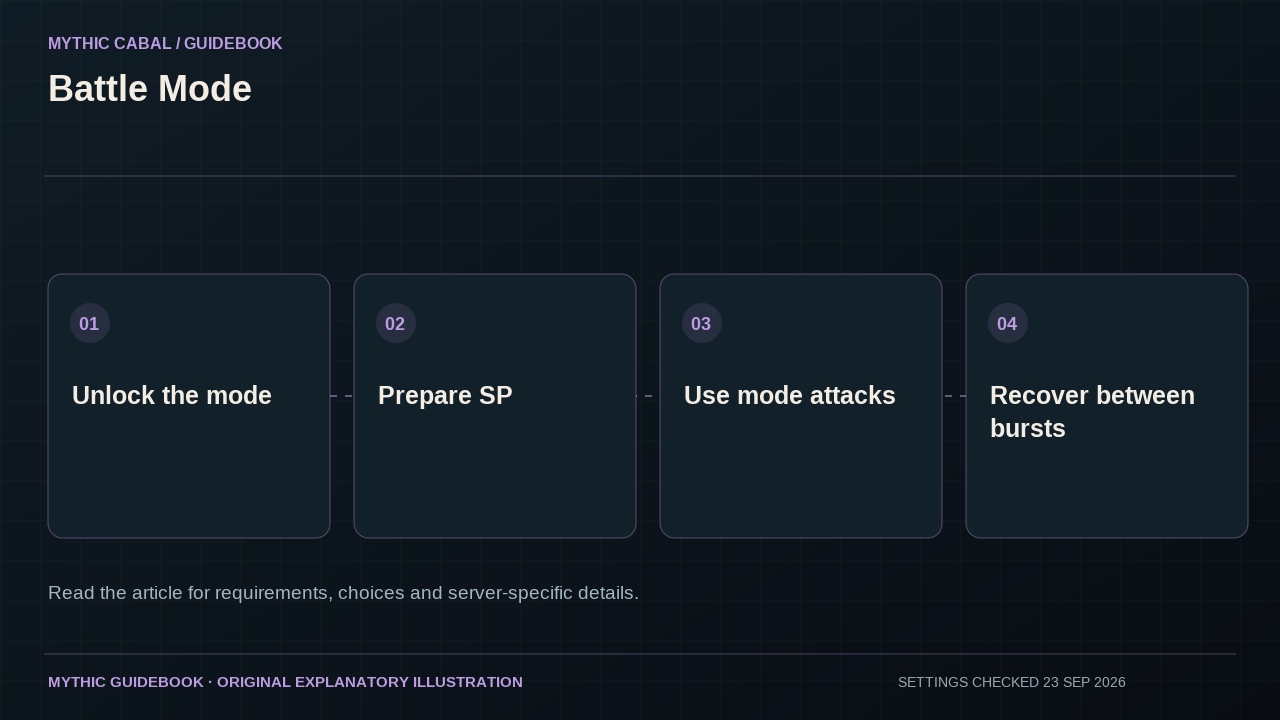
- Complete the promotion or unlock condition shown for your character.
- Place the mode and its required attacks on an accessible quick bar.
- Prepare SP, healing and the target before activation.
- Use the attacks belonging to that mode and watch its remaining duration.
Choose a mode by the task
Swipe horizontally to see the full table ↔
| Mode | Practical check |
|---|---|
| BM1 | Read the class-specific stat and combat changes. |
| BM2 | Learn the mode’s attack behavior and compare it on your target. |
| BM3 | Prepare A/B combinations and the Fatal Attack. |
Avoid losing the damage window
Start the mode when you can keep attacking. If a boss will become untargetable or a long interaction is next, delaying activation can be more useful than activating immediately. Keep a normal-skill rotation ready for the gap between modes.
Related guides
A complete activation cycle
- Fill SP and prepare the consumable required by the chosen mode before engaging.
- Apply the short-duration buffs that benefit the opening attacks, then activate the Battle Mode when the target can be hit.
- Use the mode-specific attacks. In BM3, complete the chosen A/B sequence and trigger its Fatal Attack.
- Use remaining duration on a valid target; stop committing to long attacks when a lethal mechanic requires movement.
- After the mode ends, recover resources and wait for a useful next window rather than spending SP during forced downtime.