 View full illustration ↗
Appearance and stats
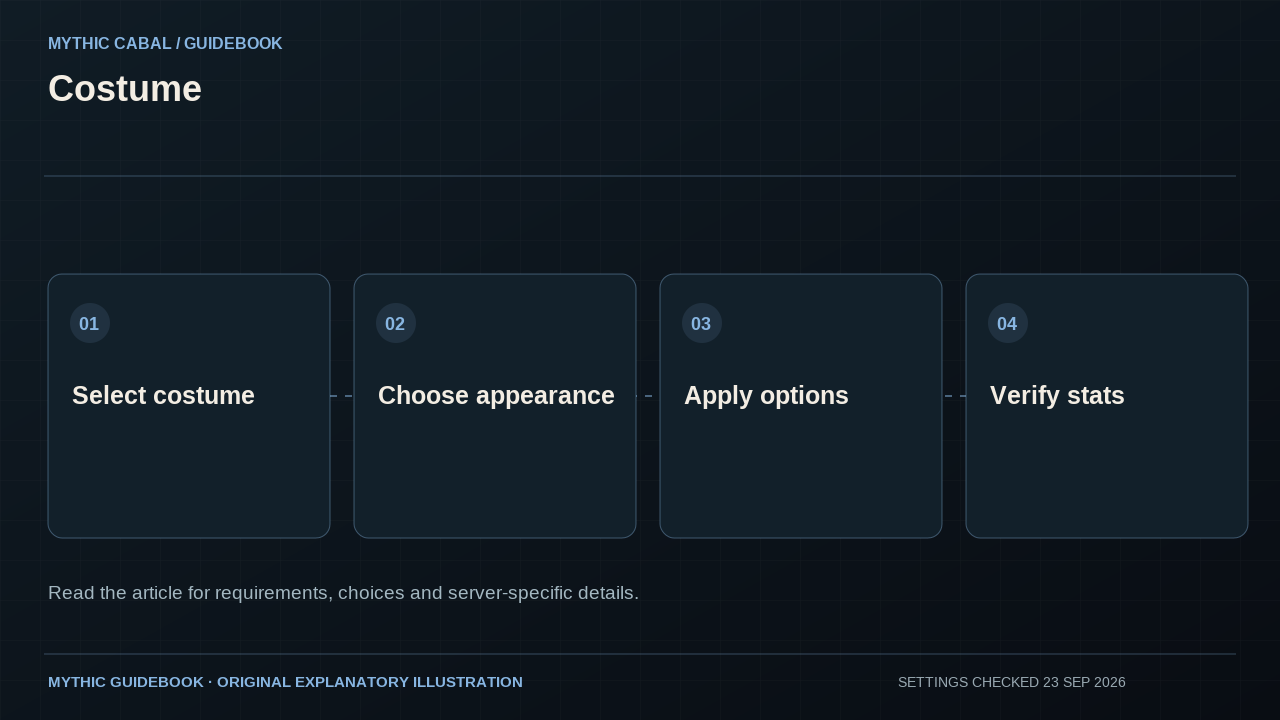
Open the costume tab in the inventory interface. Select the appearance you want to display and separately check which costume’s options are applied. A visible outfit is not proof that its stats are active.
- Register or equip the correct costume type. Check its duration and binding first.
- Choose the appearance, then verify the applied-option selection.
- Compare the character stat panel before and after applying the costume.
Before adding options
- Use the material specifically required by the costume type and grade. Armor and weapon scrolls are not universal substitutes.
- Inspect existing slots and options before using an option remover or changing the selected item.
- Check the result preview, material count and success chance in the costume option interface.
Appearance change is a separate operation
Changing an item’s appearance and improving costume options are different operations. Appearance changes can have their own cost and duration. Do not pay for a visual change expecting it to add combat stats.
Related guides
Separate the three operations
Appearance selection controls the visible outfit. Applying costume options controls the combat bonuses. Appearance-changing another item uses a separate service and does not copy that item’s stats.
For option work, match the scroll to Armor, Weapon, Wing or the applicable costume type. Existing options and empty slots belong to the selected costume, so inspect the registered item before using a remover or an extender.
Before changing an applied costume
- Record which costume currently supplies your options.
- Read the replacement’s duration and binding, then select its appearance and applied-option state deliberately.
- Close the panel and compare the character stats. If only the appearance changed, return to the option-selection control.